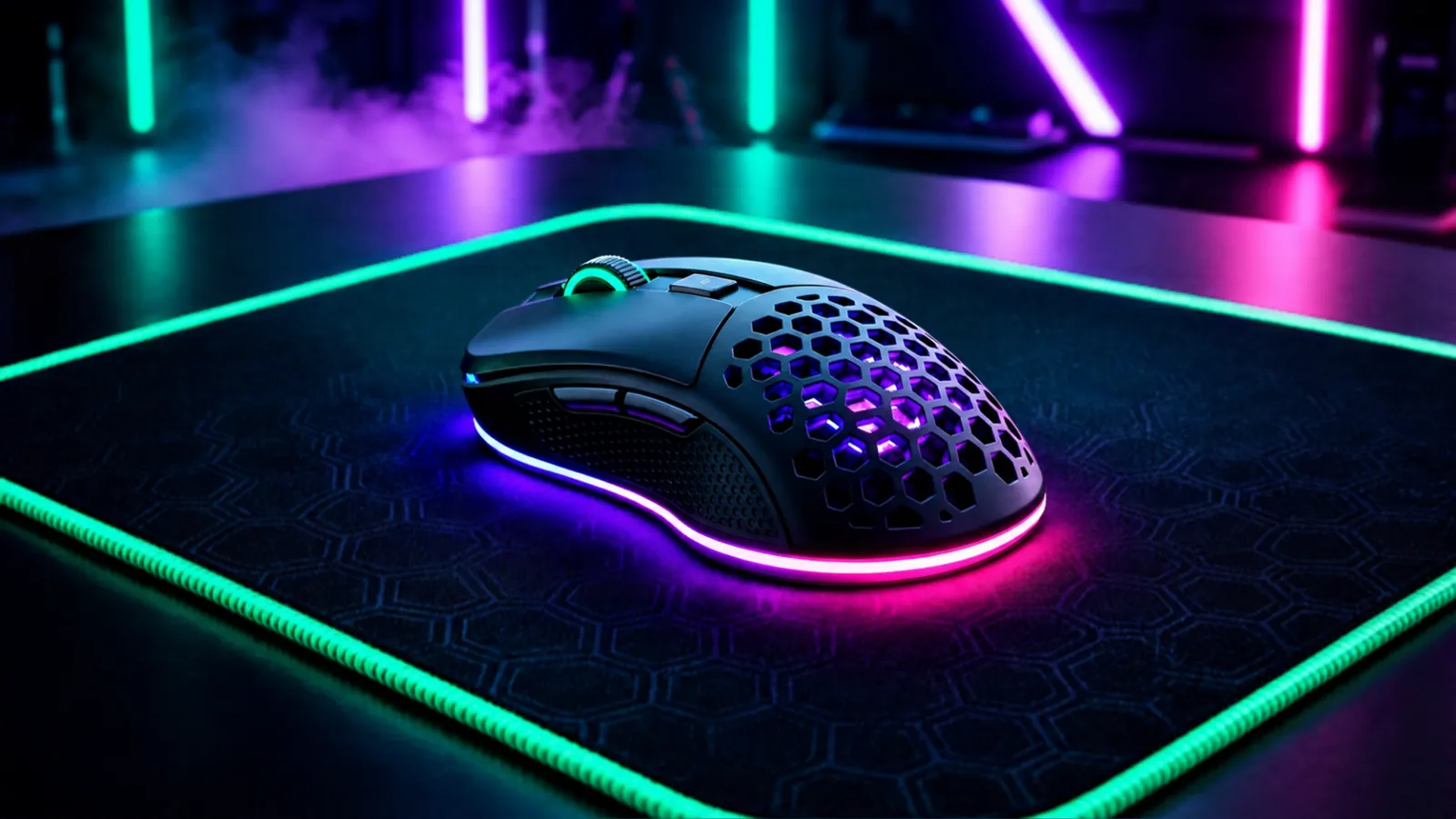
A gaming mouse with RGB glow on a mousepad
Gaming Gear

Best Budget Gaming Mouse (2026)

Updated 18 November 2026 · 4 options compared

A good gaming mouse does not have to cost much. The four below are long-running models with published sensor specs, driver support from the maker and plenty of real owner feedback. We compared them on the things that actually change how they feel in a game: sensor, weight, connection and buttons.

Our honest verdict

Buy the Logitech G203 Lightsync if you want a cheap wired mouse that simply works, or the G305 Lightspeed if you want wireless without paying a premium for it. The SteelSeries Rival 3 is the better pick for fast FPS play on a budget, and the Razer DeathAdder Essential suits bigger hands. None of them is a bad mouse — the only real mistake is paying extra for features that will not change your aim.

Best for: Anyone who wants a dependable gaming mouse without spending much

The picks

1

Logitech G203 Lightsync

Best budget wired
Price tier: $ (Budget)Best for: A first gaming mouse that just works

Pros

  • Light enough for fast movement and comfortable for long sessions
  • Simple shape that suits most hand sizes and grips
  • Logitech's driver software is stable and keeps settings on the mouse

Cons

  • Wired cable adds a little drag unless you use a bungee
  • Sensor is fine for gaming but not a high-end one

The safest cheap pick. It has been around for years, the software is reliable and it does not ask anything of you. If you only play a few hours a week, this is enough mouse.

Check price on Amazon

affiliate link

2

Logitech G305 Lightspeed

Best wireless for the money
Price tier: $$ (Mid-range)Best for: Wireless without the cable or the premium

Pros

  • Wireless connection that feels as quick as a cable
  • Battery lasts a long time on a single AA cell
  • Same reliable software as the wired Logitech models

Cons

  • Heavier than the wired options once the battery is in
  • Uses a AA battery instead of a built-in rechargeable one

This is the mouse to buy if a cable annoys you. You give up a little weight and gain a clean desk. For most players the difference in feel is worth more than the extra grams.

Check price on Amazon

affiliate link

3

SteelSeries Rival 3

Best for fast FPS play
Price tier: $ (Budget)Best for: Competitive shooters on a tight budget

Pros

  • Light body that is easy to flick and stop quickly
  • Sensor holds up well at fast swipes
  • Comfortable for claw and fingertip grips

Cons

  • Plain plastic shell feels cheaper than the price suggests
  • Not the best fit for people with very large hands

The lightest of the four, which is why it suits shooters. It feels basic in the hand, but the part that matters — tracking at speed — is solid.

Check price on Amazon

affiliate link

4

Razer DeathAdder Essential

Best for bigger hands
Price tier: $ (Budget)Best for: Palm grip and larger hands

Pros

  • Tall, rounded shape that fills the hand
  • Two side buttons within easy reach of the thumb
  • Razer's software lets you change DPI and button bindings

Cons

  • Older sensor than the other three
  • A bit bulky if you use a fingertip grip

The shape is the reason to buy it. If your hand cramps on small mice, this one is comfortable for hours. Just do not expect the newest sensor.

Check price on Amazon

affiliate link

Side by side

Specs compared side by side
SpecLogitech G203 LightsyncLogitech G305 LightspeedSteelSeries Rival 3Razer DeathAdder Essential
SensorOptical, 8,000 DPIHERO optical, 12,000 DPITrueMove Core opticalRazer optical, 6,400 DPI
Max DPI / CPI8,000 DPI12,000 DPI8,500 CPI6,400 DPI
Weight85 g99 g with AA battery77 g—
ConnectionWired USBWireless 2.4 GHz with USB receiverWired USBWired USB
Programmable buttons6665

— means the maker does not publish that figure, or we could not confirm it.

How we chose

We did not lab-test these mice. We compared the specs each maker publishes — sensor, weight, connection and button count — against the price tier, then read a large number of long-term owner reviews to see what actually breaks or annoys people after a few months. Any figure we could not confirm from the maker is left out rather than guessed, which is why some cells in the table show a dash.

Questions people ask

Is a wireless mouse slower than a wired one?
For these budget models, no — the difference is far below what a human can notice. The real trade-offs are weight, battery and price, not delay.
Do I need a very high DPI setting?
No. Most players use a low-to-moderate sensitivity and never go near the maximum. How the sensor tracks at speed and how the shape fits your hand matter much more than the top DPI number.
Does a lighter mouse make you better?
It makes fast movement easier, which helps in shooters, but it is not a skill upgrade. Comfort over a two-hour session is worth more than a few grams.
What should I check first before buying?
Your grip style and hand size. A mouse that is too small or too flat will hurt before any spec matters. After that, decide whether you want a cable on your desk or not.

A note on money: some links on this page are affiliate links, which means we may earn a small commission if you buy through them — at no extra cost to you. It never changes our verdict or the order of this list. Full affiliate disclosure.