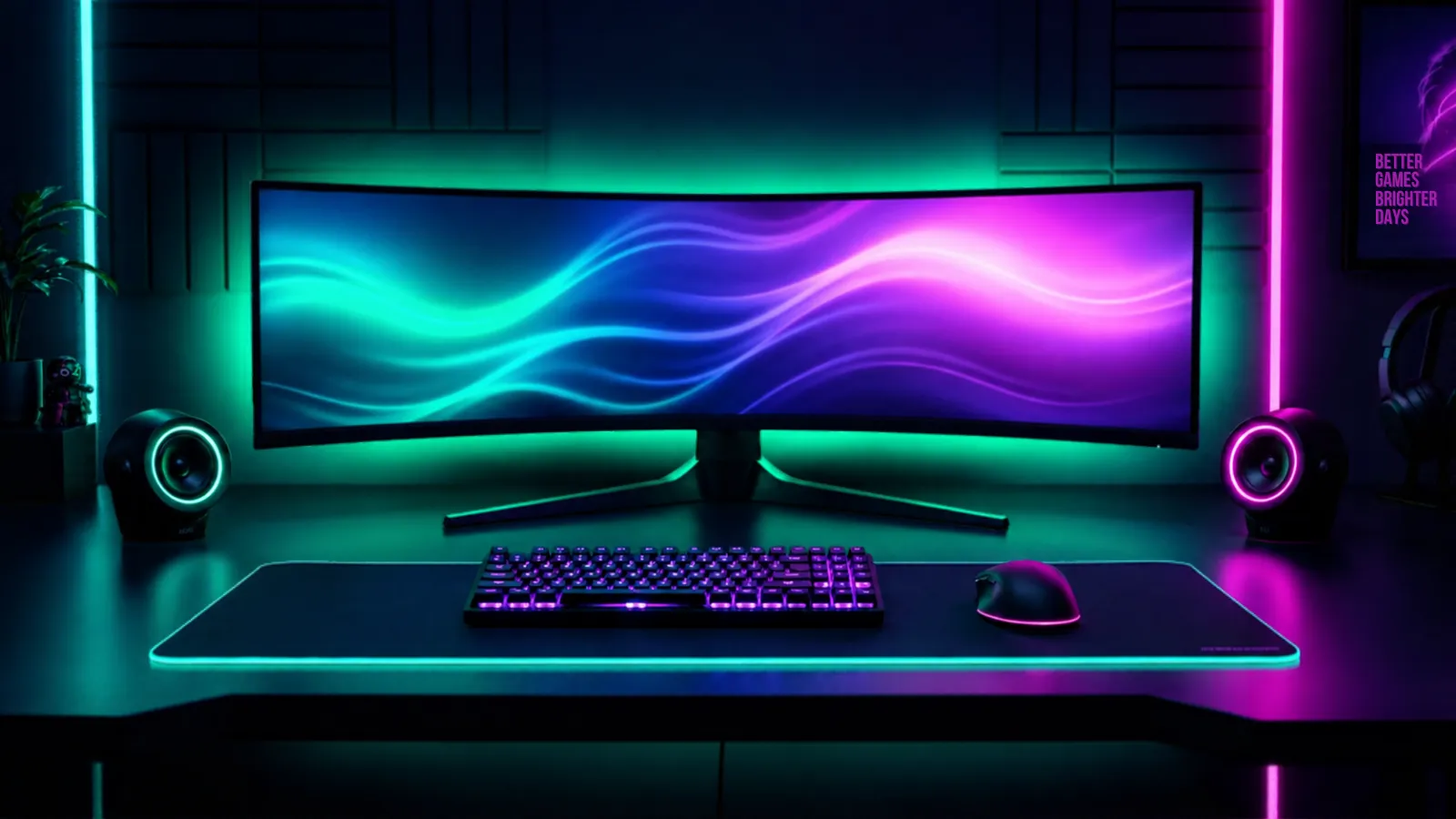
A monitor is the upgrade you keep through two or three PCs, so it is worth getting right even on a budget. At this price the honest goal is simple: 1080p, at least 144 Hz, a panel that does not smear, and adaptive sync that works with your graphics card. These four are long-running models with published panel and refresh specs.
Our honest verdict
Buy the AOC 24G2 if you want the best mix of panel, refresh rate and price. The LG 24GN650-B is the pick if you care about colour accuracy for a little more, the ASUS TUF VG249Q1A gives you a higher refresh rate, and the Samsung Odyssey G3 is the one to choose if you prefer a curved VA panel and deep blacks. Skip 60 Hz screens at this price — there is no good reason to buy one for gaming in 2026.
Best for: A first 1080p high-refresh gaming monitor
The picks
1
AOC 24G2
Best overall
Price tier: $$(Mid-range)Best for: A balanced 1080p gaming screen
Pros
IPS panel with good colours for the price
144 Hz with adaptive sync, so fast games stay smooth
Solid stand with height and tilt adjustment
Cons
1080p starts to look soft on a desk this size if you sit close
HDR support is nominal, not real HDR
The default recommendation for a reason. Nothing about it is exceptional, and nothing about it is a compromise you will notice day to day.
The extra refresh headroom matters only if your PC can push those frames. If it cannot, buy the cheaper AOC and put the difference into a graphics card.
— means the maker does not publish that figure, or we could not confirm it.
Skip these
Things we would not buy, and exactly why.
60 Hz screens sold as gaming monitors
At 1080p, 144 Hz panels cost about the same now. Buying 60 Hz for gaming in 2026 is paying full price for the one spec that matters most.
Cheap 4K monitors at this price
At budget money a 4K screen usually means a slow panel and a weak backlight. You lose the smoothness that makes games feel good to gain sharpness your GPU cannot drive.
Curved ultrawides at entry prices
The cheap ones tend to use slow VA panels with visible smearing and a shallow curve that adds nothing at this width. Save the money for a screen that is good at the basics.
How we chose
We did not lab-test these monitors. We compared the published specs — panel technology, resolution, refresh rate, adaptive sync support — then read long-term owner reports about backlight bleed, dead pixels, stand wobble and how each one behaves in dark scenes. Figures we could not confirm from the maker are left out rather than guessed.
Questions people ask
Is 1440p worth it over 1080p on a budget?
Only if your graphics card can drive it. A cheap 1440p panel paired with a card that cannot hold 60 fps looks worse than a good 1080p screen running at 144 Hz.
IPS, VA or TN?
IPS for colours and viewing angles, VA for contrast and deep blacks, TN only if you find a very cheap high-refresh panel and sit straight on. At this price the IPS options are the safest.
Do I need G-Sync?
Not necessarily. Most FreeSync screens work with Nvidia cards through the driver's adaptive sync support, and the difference from certified G-Sync at this price is small.
How long will a budget monitor last?
Longer than the PC it is plugged into, usually. Check the warranty on dead pixels before buying, and keep the box if you might move house.
A note on money: some links on this page are affiliate links, which means we may earn a small commission if you buy through them — at no extra cost to you. It never changes our verdict or the order of this list. Full affiliate disclosure.