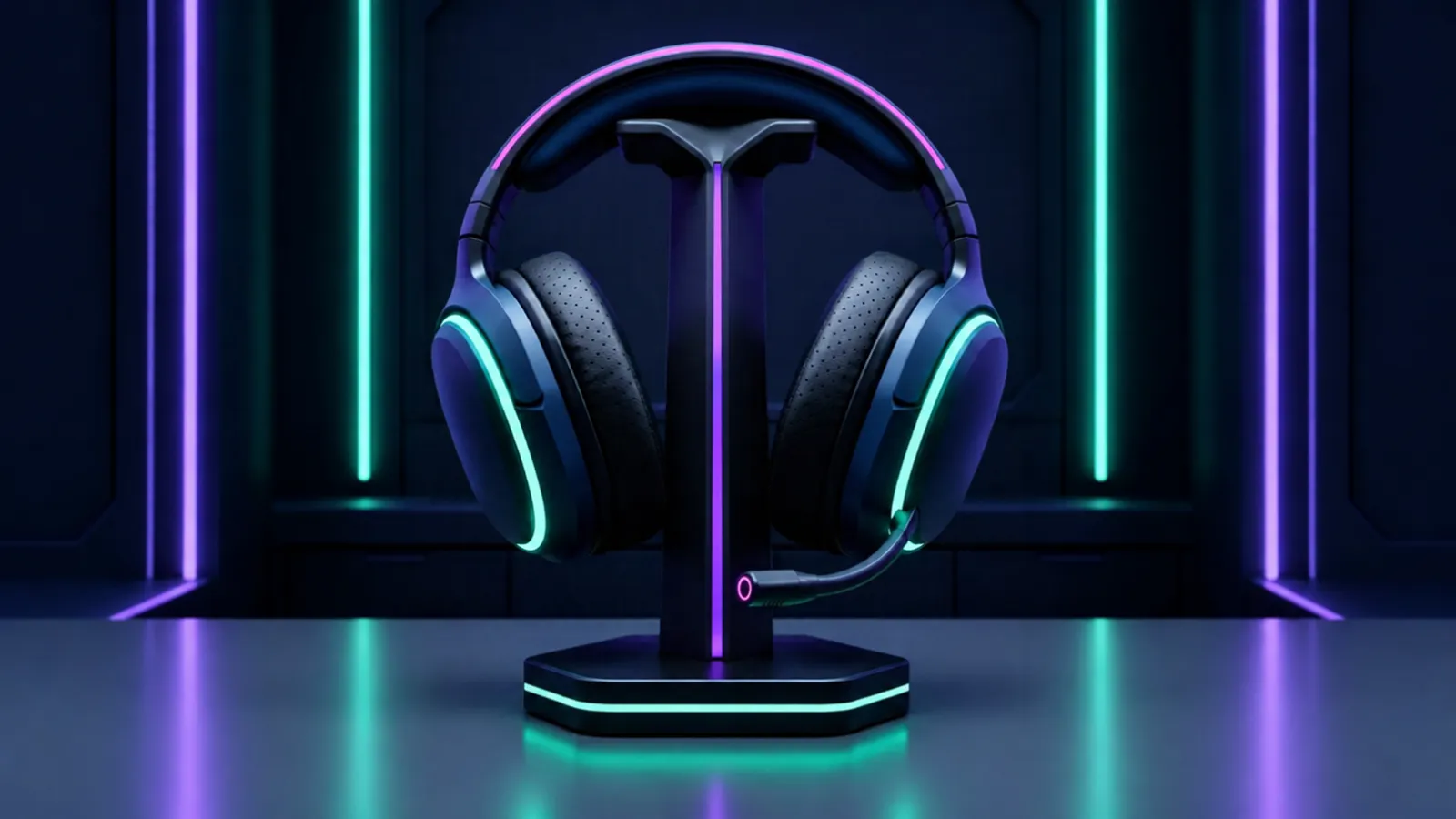
A gaming headset on a stand
Gaming Gear

Best Budget Gaming Headset (2026)

Updated 18 November 2026 · 4 options compared

A budget headset is one of the few upgrades you feel immediately: better positional audio, a mic people can actually understand, and a clamp that does not hurt after an hour. These four are long-running models with published driver sizes and plenty of real owner feedback. We compared them on the things that change how they feel in a game, not on marketing names.

Our honest verdict

Buy the HyperX Cloud II if you want the safest all-rounder with a detachable mic and virtual surround on PC. The SteelSeries Arctis Nova 1 is the more comfortable pick for long sessions, the Razer BlackShark V2 X is the lightest of the four, and the Logitech G335 is the simplest way to spend very little. All four sound fine for the money — the differences are comfort, mic quality and whether you want surround.

Best for: Anyone who wants decent game audio and a usable mic without spending much

The picks

1

HyperX Cloud II

Best all-rounder
Price tier: $$ (Mid-range)Best for: A first serious headset for PC and console

Pros

  • Big drivers give a full, warm sound that suits games and music
  • Detachable mic, so you can use it as plain headphones
  • Virtual 7.1 surround through the USB sound card on PC

Cons

  • The USB sound card is the only way to get surround
  • Memory foam pads get warm in summer

The safe answer. It has been recommended for years because nothing about it is fragile: the frame is metal, the cable is long, and the mic comes off when you do not need it.

Check price on Amazon

affiliate link

2

SteelSeries Arctis Nova 1

Most comfortable
Price tier: $$ (Mid-range)Best for: Long sessions and glasses wearers

Pros

  • Light, soft headband that does not press on the top of your head
  • Clear boom mic for voice chat and streaming
  • Works with PC, console and a phone through the 3.5 mm cable

Cons

  • Stereo only — no virtual surround on this model
  • Thin cable feels less sturdy than the HyperX

If you wear a headset for three hours at a time, comfort matters more than a features list. This is the one we would hand to someone who complains that headsets hurt.

Check price on Amazon

affiliate link

3

Razer BlackShark V2 X

Lightest
Price tier: $ (Budget)Best for: Fast games where you move your head a lot

Pros

  • Very light on the head
  • Large drivers for the price
  • Simple 3.5 mm connection that works everywhere

Cons

  • Clamping force is strong out of the box
  • Ear pads are basic and will be the first thing to wear

The lightest of the four, which is why it suits shooters and long voice-chat nights. Expect a break-in period while the headband loosens.

Check price on Amazon

affiliate link

4

Logitech G335

Cheapest sensible
Price tier: $ (Budget)Best for: A light, cheap headset for casual play

Pros

  • Light and simple, with almost nothing to break
  • Works with console and PC from the same cable
  • Often the cheapest of the four

Cons

  • No surround sound and no software tricks
  • Mic is fine for chat, not for streaming

You are buying the basics: light, comfortable, and cheap enough that losing it is not a disaster. If you stream, spend more or add a separate mic.

Check price on Amazon

affiliate link

Side by side

Specs compared side by side
SpecHyperX Cloud IISteelSeries Arctis Nova 1Razer BlackShark V2 XLogitech G335
Drivers53 mm40 mm50 mm40 mm
ConnectionWired 3.5 mm, USB sound card includedWired 3.5 mmWired 3.5 mmWired 3.5 mm
MicrophoneDetachableBoom micBoom micOn-cable boom mic
Weight—236 g—240 g

— means the maker does not publish that figure, or we could not confirm it.

How we chose

We did not lab-test these headsets. We compared the specs each maker publishes — driver size, connection, mic type, weight — against the price tier, then read a large number of long-term owner reviews to find what actually breaks or annoys people after a few months: pads that flatten, cables that fail at the plug, headbands that clamp. Any figure we could not confirm from the maker is left out rather than guessed, which is why some cells show a dash.

Questions people ask

Is a more expensive headset worth it for casual play?
Usually not. Above this price you are paying for better materials, a better mic or wireless — not for a huge jump in sound. Spend the difference on a separate mic if you stream.
Do I need virtual 7.1 surround?
It helps in some games for direction, but it is a software effect on top of stereo drivers. Good stereo positioning with a comfortable fit is the better starting point.
Headset or headphones plus a separate mic?
If you stream or record, a separate mic sounds better for the same money. If you just want to talk to friends while playing, a headset is simpler and cheaper overall.
How long should a budget headset last?
Expect the ear pads to be the first thing to wear out, then the cable near the plug. Pads are often replaceable, which is worth checking before you buy.

A note on money: some links on this page are affiliate links, which means we may earn a small commission if you buy through them — at no extra cost to you. It never changes our verdict or the order of this list. Full affiliate disclosure.