The short answer
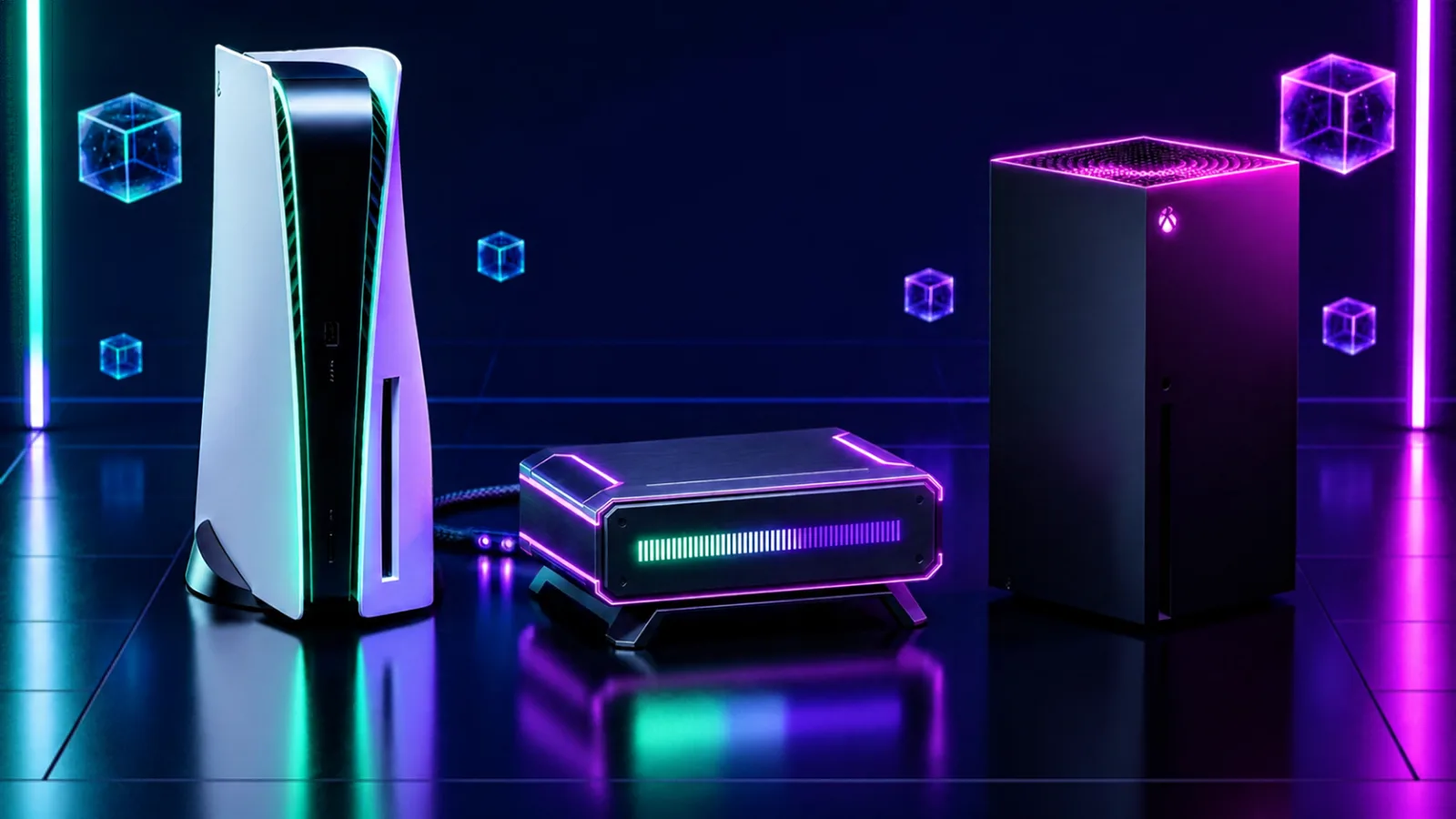
No. At launch GTA 6 runs at 30 frames per second on every console, including the PS5 Pro. Rockstar has confirmed the 30fps target. A 60fps mode has been rumoured for a later update, but nothing is confirmed, so don't buy a new console for it.
The good news: GTA 6 is built to look and feel right at 30fps, and a few TV settings make a real difference (see below).
Last checked: 19 November 2026. We'll update this page if a patch adds a new mode.
What each console gives you
- PS5 / PS5 Slim: 30fps. Sharp picture, the "normal" GTA 6 experience.
- PS5 Pro: 30fps. Marked "PS5 Pro Enhanced". Expect a cleaner, sharper picture, not more frames. Sony hasn't listed the exact upgrades.
- Xbox Series X: 30fps. Very close to the PS5.
- Xbox Series S: 30fps. Lower resolution. Analysts expect around 720p, upscaled to 1080p. Playable, but softer, especially on a big 4K TV.
The resolution numbers come from tech analysts like Digital Foundry, not from Rockstar. Treat them as a good guide, not an official spec.
Why not 60fps?
GTA 6 has a huge, busy city: lots of people, cars and physics all at once. That work falls on the console's processor (CPU), and the PS5 Pro's CPU is barely faster than the normal PS5. A better graphics chip makes the picture sharper but can't double the frame rate when the CPU is the limit. That's why even the Pro stays at 30.
Make 30fps feel better: TV settings
These cost nothing and help a lot:
- Turn on Game Mode on your TV. It cuts input lag, so the controls feel more direct. This is the single biggest fix.
- Turn off motion smoothing (called TruMotion, Motionflow, Auto Motion Plus and so on). It adds lag and makes things look odd.
- Turn on VRR / 120Hz output on the console if your TV supports it. It can make frame pacing smoother.
- Use the HDMI port marked 4K 120Hz or HDMI 2.1 on newer TVs.
- Lower the camera sensitivity a little in GTA 6's settings. Slower camera turns hide the 30fps feel.
Should you upgrade your console for GTA 6?
- From PS5 to PS5 Pro: not for frame rate. Only if you want the sharpest picture and have a 4K TV.
- From Series S to Series X or PS5: this is the upgrade that matters most, because of the resolution gap and the small 512 GB drive (see file size).
- A better TV or headset often makes a bigger difference than a new console. See Best Gear for GTA 6.